Back to School Postcard Template – A Practical Asset for Seasonal Campaigns
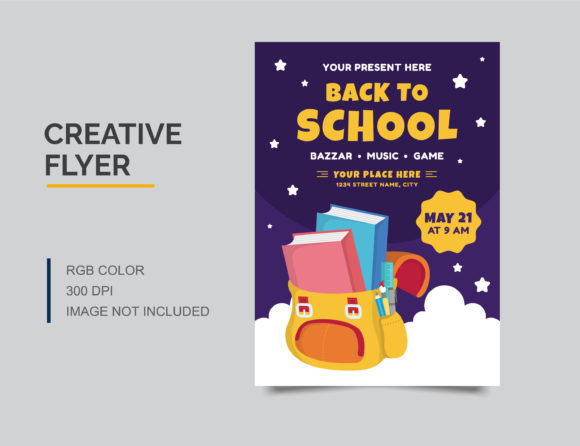
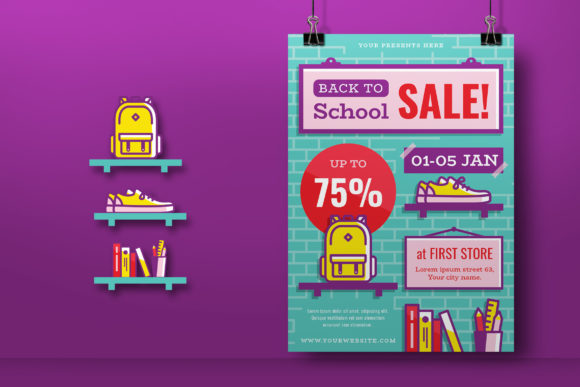
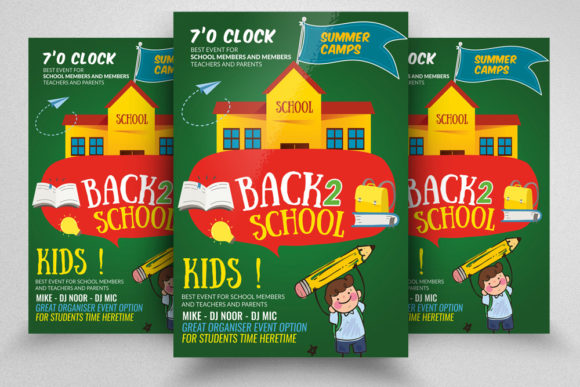
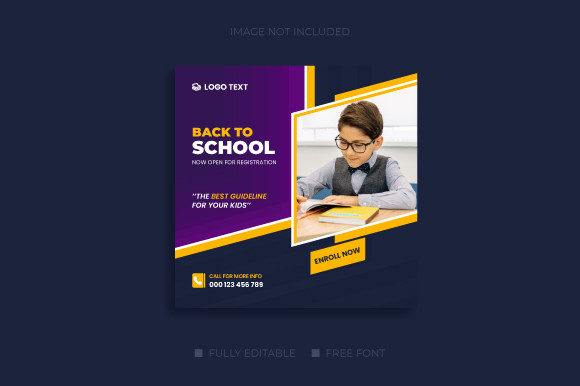
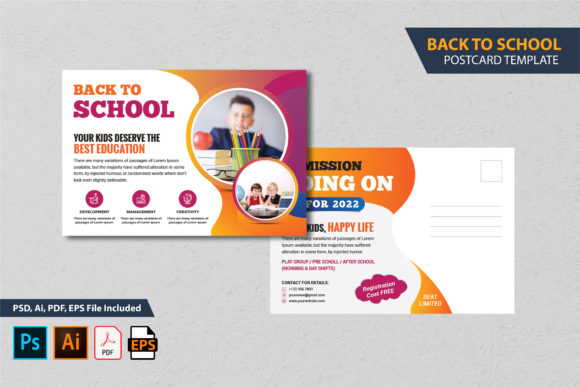
A back-to-school postcard template is more than a ready-made design file. It is a structured starting point that saves time, reduces guesswork, and keeps your marketing materials consistent across print and digital channels. Whether you run a tutoring center, a retail store promoting school supplies, or a community organization reaching families, this type of template lets you produce professional-grade postcards without starting from scratch. With editable PSD, AI, EPS, and PDF files included, the template fits into existing workflows for designers, marketers, and business owners alike.
Where the Template Fits in Your Broader Process
Effective marketing campaigns rely on timing, consistency, and clear messaging. A postcard template designed for the back-to-school season supports each of those pillars. Before the campaign begins, you can use the template to draft different versions of your offer, adjust headlines, and test color schemes—all without committing to a final layout. During the design phase, the layered file structure lets you swap images, edit fonts, and tweak alignment while keeping the original framework intact. After the campaign launches, you can archive the template for reuse in following years, updating only the date, price, or call to action.
The template also interacts with other tools and resources in your workflow. You might pair it with a customer relationship management (CRM) system to generate mailing lists, use an online proofing service to get approvals from stakeholders, or combine it with a direct mail platform that accepts print-ready PDFs. Because the files are provided in multiple formats, you can move between Adobe Illustrator, Photoshop, or even open the EPS in vector editing software on different operating systems. This flexibility reduces bottlenecks when collaborating with a remote team or a third-party printer.
Preparing for Customization: What You Need to Know
Before opening the files, take a moment to review the contents of the download. You will receive two PSD files, two AI files, two EPS files, two PDF files, and a Read Me document. The Read Me file includes the font link and a guideline for changing text, colors, images, and other elements. This is not a mock-up; it is a fully editable template that you can tailor to your brand. Understanding the structure of the file helps you avoid common mistakes such as editing the wrong layer or forgetting to include the bleed area.
The template measures 6 by 4 inches with a 0.25-inch bleed. Bleed ensures that any background color or image extends to the edge of the card after trimming. Keep all important content at least 0.125 inches inside the trim line to prevent text or logos from being cut off. The 300 DPI resolution and CMYK color mode are essential for high-quality print reproduction. If your workflow includes digital-only distribution (such as email attachments or social media posts), you can convert the file to RGB and a lower resolution, but the original CMYK version remains your print master.
Software versions matter. The templates were created with compatibility in mind, but you should work in Adobe Illustrator or Adobe Photoshop CS, CS2, CS3, CS4, CS5, CS6, or CC 2020 or later. Older versions may not open the files correctly. If you are using free or open-source alternatives, the EPS files are the most portable, though some layer editing capabilities may be limited. Consider keeping your software up to date to avoid format conflicts.
Font usage is handled through free-use typefaces. The Read Me file contains the exact font names and a link to download them. Do not skip this step. Substituting fonts can alter the layout, spacing, and overall balance of the design. Install the fonts before opening the template to see the intended typography from the start.
Workflow Integration from Concept to Print
A practical workflow for using this template moves through four stages: concept, editing, review, and output. In the concept stage, gather your copy, imagery, and branding guidelines. Decide on the primary message—whether it is a discount on backpacks, an open house date, or a reminder to register for classes. Sketch a rough layout on paper or a whiteboard, but rely on the template to provide the proportions and visual hierarchy.
Editing begins when you open the file in your chosen software. Because the template is layered, you can lock or hide elements that you do not want to change accidentally. For example, you might lock the background layer while you edit the headline text. Work from back to front: adjust the background color or image first, then move to shapes, text, and finally small decorative elements. Use the layer panel to stay organized, and name each new layer you create. This habit pays off when you revisit the file weeks later or hand it off to a colleague.
After you finish the design, generate a high-resolution PDF for review. The download already includes two PDF files, but you should create a new PDF that reflects your changes. Print a physical proof if possible, or use a soft-proofing tool to simulate how the CMYK colors will look on coated or uncoated paper. Check alignment by measuring the bleed and trim margins. Ensure that the final file is flattened (or includes all needed layers) according to your printer’s specifications. Some printers request a single-layer PDF with all fonts outlined; others prefer native files. The template’s PDF format gives you a reliable fallback for any print service.
The same file can be repurposed for digital campaigns. Export a JPEG or PNG version at 72 DPI for social media, email headers, or landing page graphics. Maintain a separate copy of your edited PSD or AI source file so you do not lose the editable layers when you save for web.
Ensuring Consistency Across Multiple Campaigns
Businesses often run several marketing pushes during the back-to-school season: one for early registrations, another for last-minute supplies, and a third for after-school programs. Using the same template across these variations builds visual recognition. Your audience will associate the postcard’s layout and colors with your brand, even as the offer changes.
To scale your efforts, create a folder structure that stores the master template file separately from your campaign-specific edits. For instance, keep one read-only copy of the original template (with the bleed, fonts, and base layers intact) and then duplicate it for each new campaign. Rename the duplicates with clear dates and version numbers. When you need to produce a postcard next year, you can open one of your past campaign files, update the content, and resave. The template’s layered architecture makes seasonal refreshes fast and error-proof.
Quality Control and Print Readiness
Print errors are costly and time-consuming. The template is designed to be fully print ready, but it is your responsibility to verify the settings before sending the file to a press. Confirm that the document is set to CMYK color mode, not RGB. Check that the resolution is 300 DPI throughout—if you imported a low-resolution image, the template cannot fix it. The bleed area of 0.25 inches must contain only background elements; no critical text or logos should extend past the trim line.
If you plan to print at a local copy shop or through an online service, ask for their specific requirements. Some printers prefer PDF/X-1a or PDF/X-4 standards. The included PDF files may already conform to these standards, but you should re-export your edited version using the same settings. Place a test order with a small quantity before committing to a large run. Inspect the physical postcard for color accuracy, sharpness, and alignment. This small step can save you from a misprint that wastes hundreds of cards.
Long-Term Value and Adaptability
While the template is marketed as a back-to-school postcard, its structure works for other applications. Replace the school-themed graphics with visuals for a holiday sale, a grand opening, or a community event. The 6x4 inch size is a standard postcard dimension accepted by most postal services, so you can use it for any direct mail campaign. The layered files contain shapes, text boxes, and color overlays that can be repurposed in entirely different contexts. Instead of treating this as a one-time asset, view it as a base that you can adapt repeatedly.
The EPS files offer the highest portability across vector editing software. If you ever switch from Adobe to another application, the EPS version preserves the core geometry and text. The PDF files serve as both a print-ready format and a visual reference: you can show the PDF to stakeholders who do not have design software installed. Keeping all four formats in your asset library ensures that the template remains accessible regardless of your future toolset.
Practical Tips for Efficient Use
- Read the Read Me file first. It contains font links, color codes, and suggestions that save you time during editing.
- Use layer groups. When you add new elements, group them logically (e.g., “headline,” “background overlay,” “QR code”). This keeps the file easy to navigate.
- Save a flattened backup. After you finish the design, save a copy with all layers merged as a TIFF or high-res JPEG. This is useful if you need to quickly share a preview without revealing layers.
- Label your bleeds and trim guides. The template likely already includes guides. If not, add them manually to avoid shifting content outside the safe zone.
- Test your fonts on the printer. Even free fonts can render differently when printed. Run a small test before the final batch.
- Archive the original download. Keep the untouched template files in a separate folder so you can revert to the baseline if an edit goes wrong.
By following these practices, you turn a single postcard template into a repeatable component of your marketing process. The time saved on layout and formatting can be redirected toward strategy, copywriting, and audience targeting—activities that directly improve campaign performance. Whether you are a freelancer producing postcards for several clients, a school administrator sending a welcome letter, or a retailer promoting a clearance sale, the back-to-school postcard template provides a solid structural foundation that you can rely on season after season.